January 21st, 2026
Your documents can now speak for themselves!
With our new AI Podcasts feature, you can transform your slides and PDFs into engaging audio conversations.
Here’s why we think you’ll love it:
Listen on the go: Make your commute and waiting time count.
Learn in the background: While cleaning, cooking, or going for a run.
Conversational Learning: The AI hosts explain concepts naturally, making them easier to remember.
How to try it:
From Workspace:
From any opened document, click
Podcastbutton at the top bar
From Sidebar:
Hover on the Podcasts(Beta) button on the sidebar and click on the
+button
From Podcast Screen:
Click on the Podcasts (Beta) button on the sidebar and then
Create Podcast
⚠️ Please note:
Experimental Feature: As a Beta release, the conversation flow might occasionally surprise you. We are working daily to make it smoother and are thankful for your feedback.
One-time Generation: Once generated, the podcast is saved to your document for instant playback anytime.
Usage Limits: Free accounts are strictly limited to 1 generation every 7 days. Upgrading to Pro unlocks instant, unlimited generation.
Processing: Good audio takes time. Please allow a minute for the conversation to be synthesized after you click generate.
January 12th, 2026
Learning with visuals just became a whole lot better!
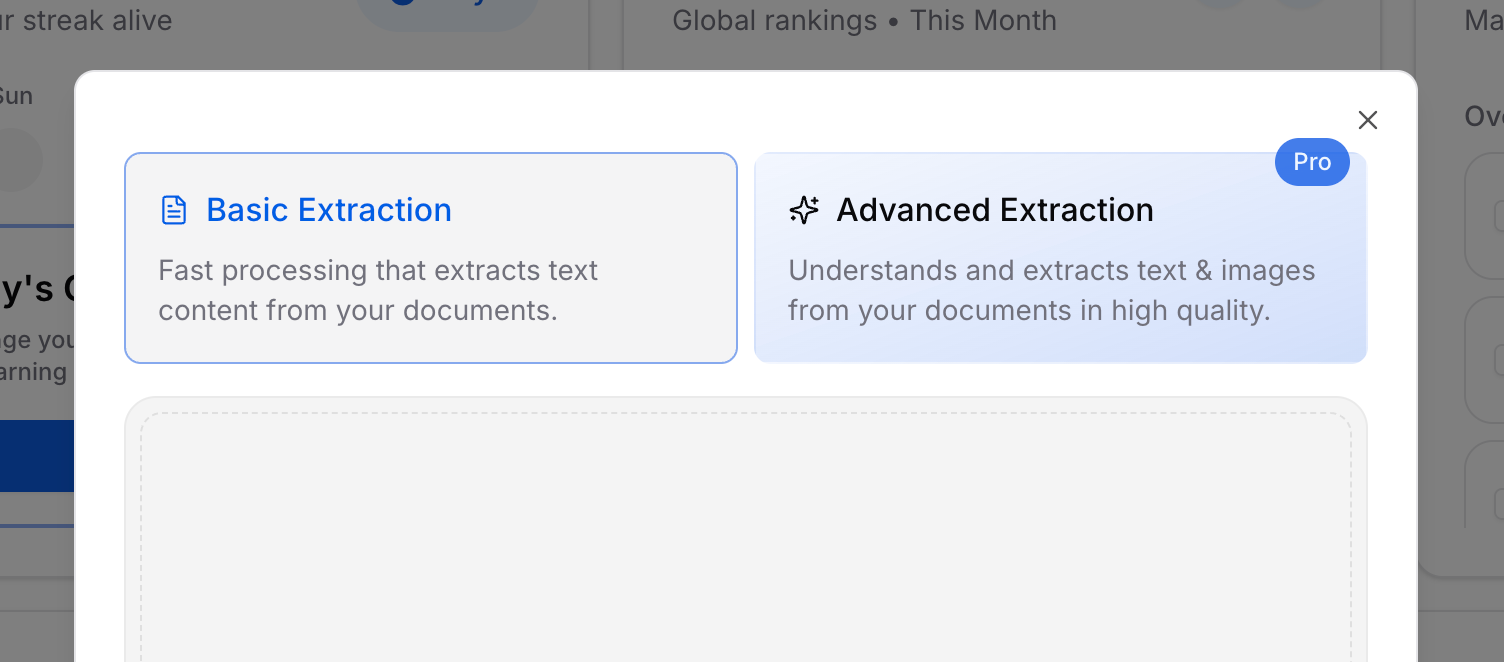
You can now choose between Basic Extraction and our new Advanced Extraction when uploading documents with acemate Pro. Advanced Extraction analyzes not only text, but also images, graphics, charts, diagrams, and tables – giving acemate a complete understanding of your lecture materials.
With visuals extracted, acemate enhances all core features:
AI Chat
The AI can integrate and explain images from your material during conversations.
AI Summaries
Key diagrams and visual elements are included directly where they support understanding.
AI Flashcards
Cards can now include relevant images automatically pulled from your lecture slides.
AI Exams
Questions can incorporate charts, figures, and diagrams for more realistic practice.
⚠️ Please note:
Advanced Extraction applies only to documents uploaded from now on. Older documents remain unchanged unless re-uploaded using the new option.
Documents processed with Advanced Extraction are marked with a small image icon in the source selector, so you always know which files include visual context.
Advanced Extraction is still evolving. In some cases, image interpretation may vary. Your feedback helps us improve it faster.
December 31st, 2025
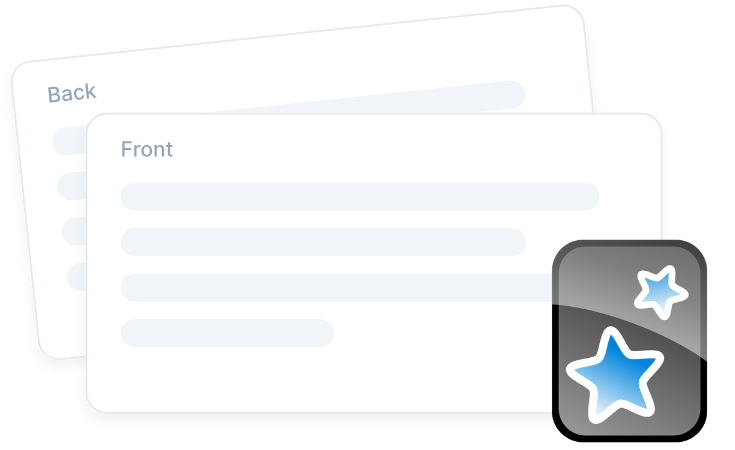
Already using Anki? You can now import your existing Anki flashcards into acemate and of course continue to export your acemate flashcards to Anki. Bring all your flashcards into one place, combine them with your acemate summaries, exams, and AI chat to study without switching tools.
December 10th, 2025
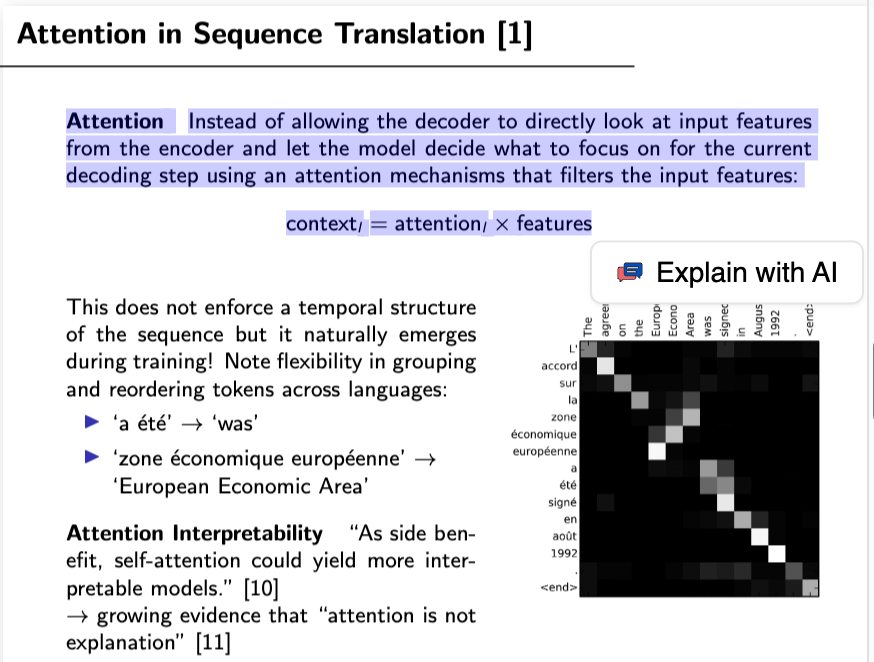
You can now highlight any text in your documents or notes and ask AI to explain it with a single click. This makes it even easier to get instant clarification and stay in your flow.
December 10th, 2025
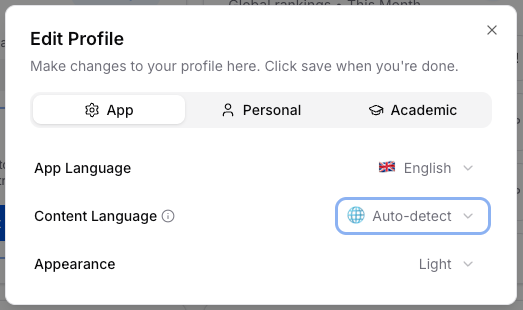
Just generated a summary? Now you can export it as a PDF in seconds. Great for reviewing later, printing for exams, or sending to friends who missed the lecture.
December 10th, 2025
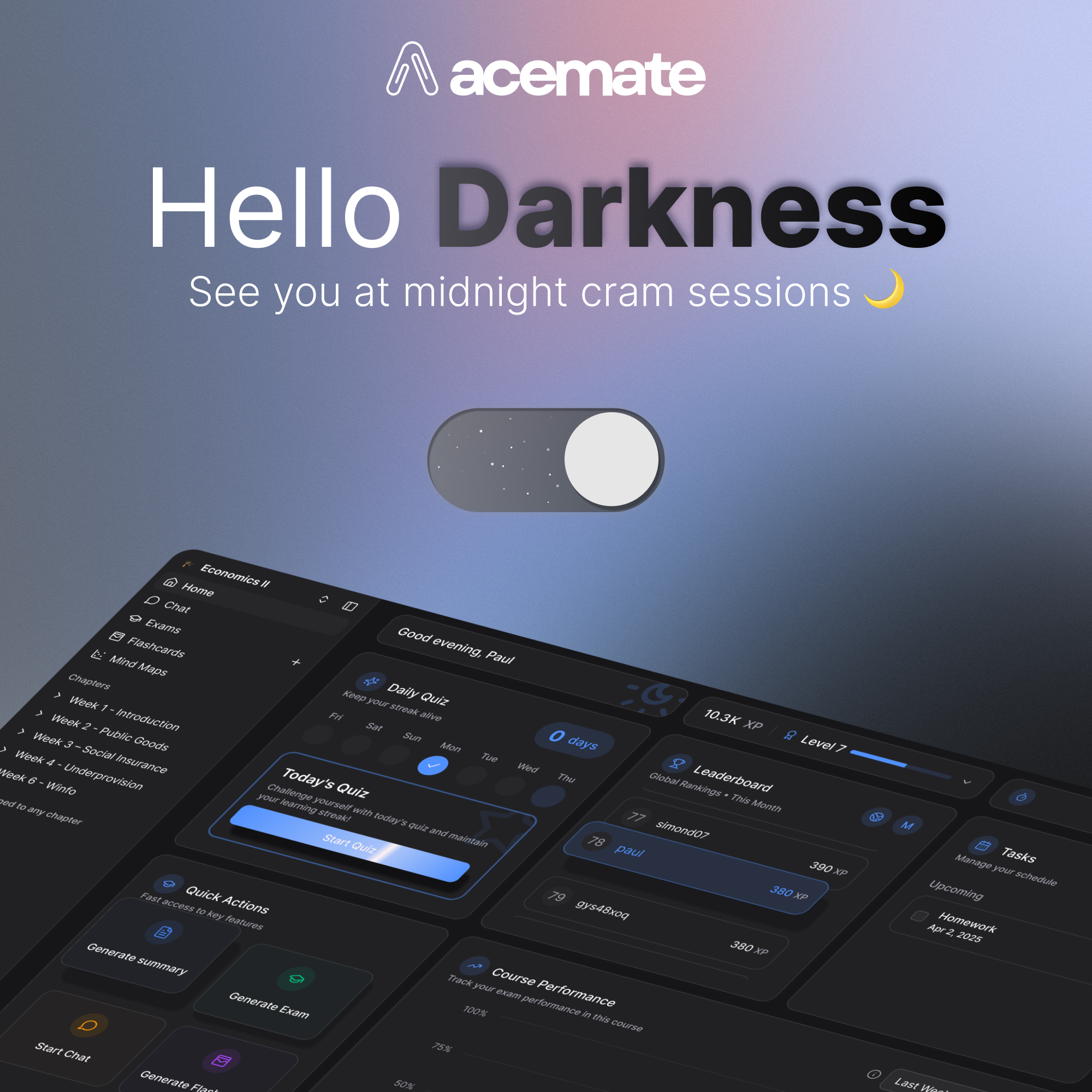
By popular demand, you can now switch to dark mode in acemate. Perfect for midnight cram sessions or just a sleeker vibe. Alongside, we launched a fresh design system for a smoother, more consistent experience.
November 25th, 2025
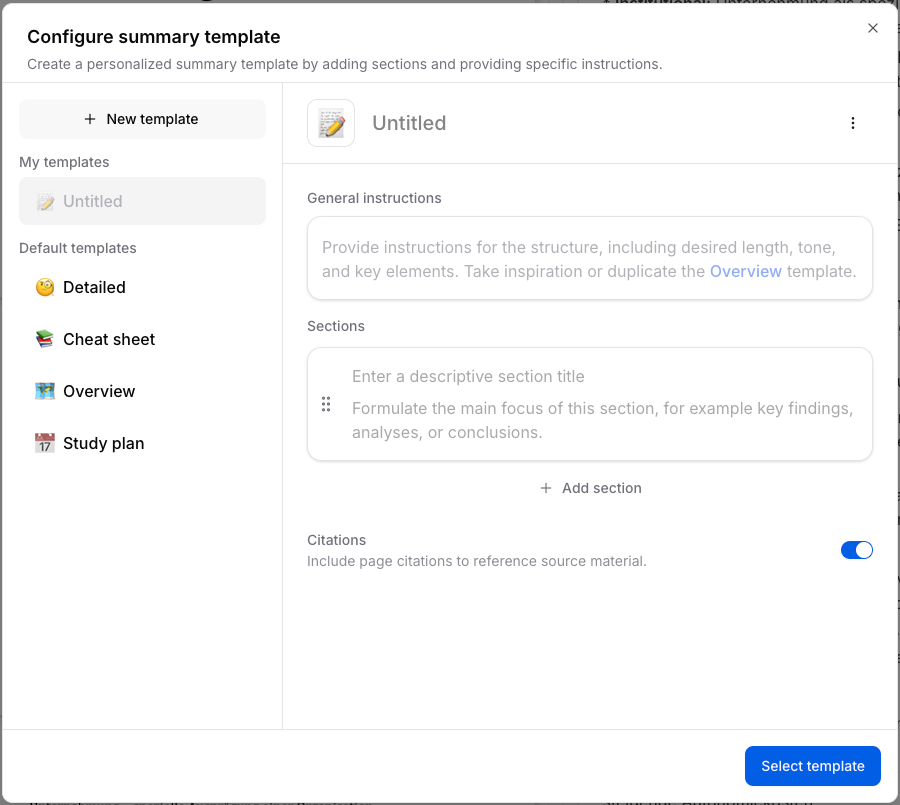
Take full control of your study notes with our new Custom Summary Templates! Define the general instructions and build your summary block by block with custom sections. Whether you need a specific structure for case studies or a unique format for definitions, you can now instruct the AI to generate the exact learning document that fits your study style.
November 4th, 2025
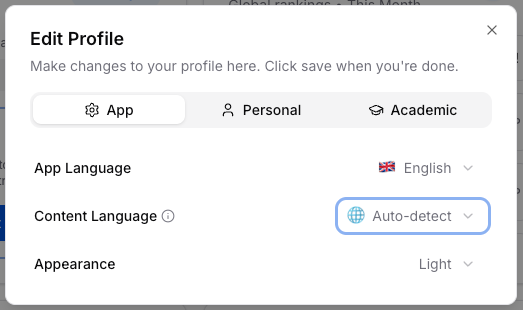
You can now choose your preferred content language in acemate!Head to your user settings to set the language not just for the app's interface, but now also for all AI-generated content including exams, flashcards, summaries, and quizzes. By default, it’s set to auto-detect, meaning acemate automatically matches the language of your uploaded lecture material.